NSFAS application: requirements, documents, and step-by-step process
A practical, SA-focused guide to a NSFAS application: what you need, which documents to prepare, and a clear step-by-step process you can follow.
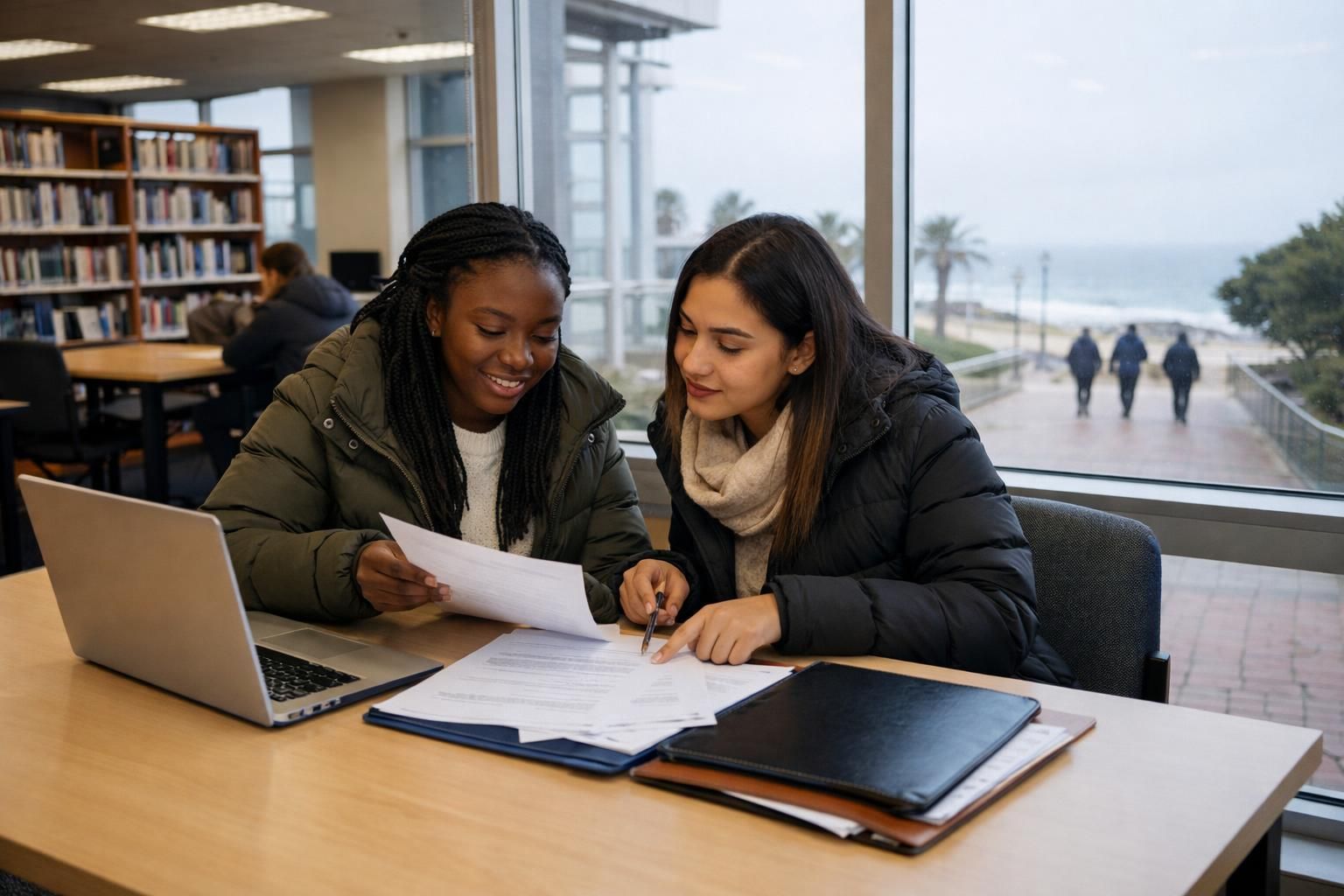
A successful NSFAS application comes down to two things: meeting the NSFAS requirements and uploading the right NSFAS application documents clearly. Get your documents ready first, then do the online steps slowly and carefully. This lowers your chances of delays from missing or unclear uploads.
Quick answer:
- Check that your institution, programme and situation fit the NSFAS requirements for this application cycle.
- Prepare clear copies of your ID, proof of household income (or unemployment), academic records and any supporting documents that apply to you.
- Use your own cell number and email, and make sure your details match your ID exactly.
- Check every upload before you submit, then save proof of submission.
What you need before you start your NSFAS application
Get your details and documents together first. Then you can finish the application in one sitting, without stopping halfway to look for paperwork.
- Your ID details. This is your South African ID number if you are an SA citizen, or the relevant details if you are applying under another permitted category.
- Contact details that belong to you. Use a cell number and email address that you check often.
- Your latest academic information. Know what you are studying or applying for, and where.
- Clear scans or photos of your supporting documents. See the document checklist below.
Many students also look for part-time work, tutoring or holiday jobs while they study. If that is you, you can create a free CV and keep your documents in one place.
NSFAS requirements: the eligibility basics to check
Eligibility for NSFAS can depend on your situation. For example, it can differ for first-time students and returning students, for TVET colleges (Technical and Vocational Education and Training colleges) and universities, and by household income.
The exact rules can change from one application cycle to the next. Use this list to know what to confirm before you submit:
- Institution and programme: Check that your institution and qualification qualify for NSFAS funding at your study level and year.
- Financial eligibility: Be ready to give the details NSFAS uses to assess financial need. This is usually where income documents are needed.
- Academic status: If you are a returning student, check what is expected about your academic progress and registration.
- Matching personal details: Your names and ID number must be the same on all your documents, or verification can be delayed.
Tip: Look at your ID, results and household documents side by side. Do you see different spellings, missing initials or an old surname? Fix it first where you can. If you can't, prepare a supporting document that explains the change, so your application doesn't get stuck on "verification".
NSFAS application documents: a practical checklist
The documents you are asked for depend on your situation. The safest approach is to put together a full folder (on your phone and on paper) of the documents most often requested.
Then upload only what the application asks you for.
Core documents to prepare
- Your South African ID document or ID card (a clear copy).
- Proof of income for your parents, guardians or spouse (if this applies), or proof of unemployment where needed. Examples are a payslip or bank statement.
- Academic records where your study level needs them, such as your results or statement of results.
- Consent or affidavit documents if the application asks for them in your situation. An affidavit is a written statement you swear is true, usually signed in front of a commissioner of oaths. One example is when someone other than your parents or guardians supports you.
Common supporting documents (only if they apply to you)
- Proof of a social grant
- Death certificate(s) if one or both parents have passed away
- Legal guardianship documents
- Divorce order or maintenance information
- Disability-related documents where needed for support
Document quality: what "clear" really means
The person checking your file must be able to read every name, number and date without guessing. If they can't, you may be asked to upload it again, which costs you time.
- Readable text: Names, ID numbers and dates must be sharp, with no blur and no glare from a light or flash.
- The full page: Don't cut off corners, stamps or page edges.
- One document per file, unless the system asks you to combine pages.
- Clear filenames so you can see what each file is before you upload it.
Weak filename: IMG_20260512_0931.jpg (you can't tell what it is)
Strong filename: ID_Sipho_Mthembu.pdf or Income_Parent_2026.pdf
Applying for learnerships, internships or government jobs at the same time? Read certified copies for job applications: what to certify, how long copies stay valid, and where to get it done.
Step-by-step: how to complete an NSFAS application
The website layout can change, but the steps stay mostly the same. Follow them in this order to stay organised.
- Create or open your account.
Use an email address and cell number you will keep for the whole year. If you already have an account, log in with it. Don't create a second account. - Confirm your personal details.
Type your names, ID number and other details exactly as they appear on your ID. Even a small difference can slow down verification. - Add your study and institution details.
Choose the correct type of institution and the correct campus. If you're unsure of a programme name, use the official name the institution uses. - Fill in the household and financial sections carefully.
This is where most people rush. Make sure what you type matches your documents, for example the income period and whose income it is. - Upload your NSFAS application documents.
Put each document in the correct slot. Open each file after uploading to check it is the right one and that it is readable. - Review and submit.
Read the summary page as if you were the checker: names, ID, institution and every uploaded document. Submit only when everything is correct. - Save proof of submission.
Take a screenshot or save any confirmation message or reference number. Keep it with your documents.
Avoid this: Don't use a friend's, cousin's or internet café's email or cell number. You may miss your OTPs (one-time PINs sent by SMS or email) and important updates, and you could struggle to get back into your account later.
Worked example: a document folder you can copy (and a naming system)
Create a folder like this on your phone or laptop. It stops you from losing files or uploading the wrong one. Change the name and dates to your own.
Main folder: NSFAS_Application_2026_Mpho_Dlamini
01_ID
ID_Mpho_Dlamini.pdf
02_Academics
Results_Statement_Mpho_Dlamini.pdf
Proof_of_Registration_or_Application.pdf (only if requested)
03_Household_Income
Income_Parent1_Payslip_2026-05.pdf
Income_Parent2_BankStatement_2026-04_to_2026-06.pdf
Affidavit_Unemployed_Guardian.pdf (if applicable)
04_Other
Grant_Proof_SASSA.pdf (if applicable)
DeathCertificate_Parent.pdf (if applicable)
Guardianship_Order.pdf (if applicable)
05_Submission
Submission_Confirmation_Screenshot.png
Notes.txt (what you submitted and the date)
Your Notes file can be very short. Write it on the day you submit so you don't have to rely on memory later:
Date submitted: [Date]
Reference or confirmation number: [Number, if shown]
Email and cell number used: [Email] · [Cell number]
Documents uploaded:
- ID
- [Academic record]
- [Proof of income for whom]
- [Any supporting documents]
Follow-up notes: [Messages received, re-uploads done, dates]
This folder system also helps later when you apply for internships or learnerships. When you're ready, you can update your CV profile and keep your documents organised alongside your CV.
Common NSFAS application mistakes (and how to avoid them)
- Uploading unclear photos.
Fix: Take photos in daylight, with the page flat on a table. Zoom in and check you can read everything before you upload. - Using someone else's email or number.
Fix: Use your own contact details so you get your OTPs and updates. - Names or ID details that don't match.
Fix: Check that spelling and initials match your ID exactly. - The wrong document in the wrong slot.
Fix: Name your files clearly and open each upload to check it. - Leaving it to the last minute.
Fix: Apply early. When the system is busy near the closing date, uploads can fail or time out.
After you submit: what to do while you wait
After you submit, your job is to stay reachable and organised.
- Check your SMSes and emails regularly for any requests to correct details or upload documents again.
- Keep your folder as it is so you can re-upload quickly if asked.
- Prepare a backup plan. Update your CV for bursaries, part-time work, internships or learnerships. Our guides on a CV for students and how to apply for a learnership can help.
If you're working on your CV at the same time, you can choose a CV design and create a clean, professional layout for applications that need a CV attached.
Quick checklist before you press "submit"
- My personal details match my ID exactly.
- I've checked the NSFAS requirements for my study situation.
- All my NSFAS application documents are clear, complete and in the right slots.
- I've used my own cell number and email.
- I've saved proof of submission (a screenshot or confirmation details).
- I know my login details and can get back into my account to update anything.
If you get stuck
Not sure what CV Hub can do, such as where to upload documents, how to create your CV, or how profiles work? Read the CV Hub FAQ.
If you need help with your CV profile on the platform, contact CV Hub. Include a short description of what you were trying to do and where you got stuck.
Already have an account? Log in to CV Hub to keep improving your CV while your study funding application is in progress.